As an Amazon Associate, we earn from qualifying purchases. This post contains Amazon affiliate links. We may earn a commission at no extra cost to you.

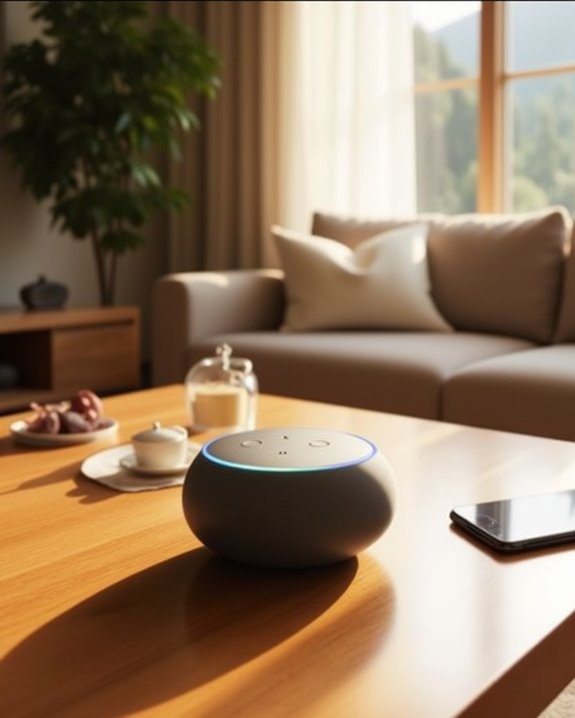
Can The Echo Pop Be Used As A Bluetooth Speaker

The Echo Pop operates effectively as a Bluetooth speaker due to its integrated Bluetooth 5.0 and dual-band Wi-Fi (2.4/5 GHz, 802.11a/b/g/n/ac), facilitating wireless audio streaming from paired devices. Setup requires the Amazon Alexa app for device pairing and activation via voice commands, such as “Alexa, Bluetooth On.” With dimensions of 99 x 84 x 91 mm, its compact form and front-firing speaker deliver clear sound quality comparable to Echo Dot models. Further technical and performance insights follow.
Key Takeaways
- Echo Pop can stream audio wirelessly via Bluetooth after pairing through the Amazon Alexa app.
- Use the voice command “Alexa, Bluetooth On” to activate Bluetooth pairing mode.
- It lacks a physical aux input and relies solely on wireless connections for audio playback.
- Echo Pop supports Bluetooth and dual-band Wi-Fi for stable audio streaming.
- The device functions similarly to a Bluetooth speaker for small spaces when paired correctly.
Setting Up Bluetooth on the Echo Pop
How does one configure Bluetooth connectivity on the Echo Pop for seamless audio streaming? Setting up Bluetooth on the Echo Pop requires the Amazon Alexa app, accessible via smartphone or tablet. Within the app, users navigate to the Devices section, then select Echo & Alexa to identify their specific Echo Pop device. Accessing the device’s settings enables Bluetooth connectivity management. By tapping “Connect a device,” the app scans for nearby Bluetooth-enabled devices, such as Bluetooth speakers or smartphones. Using voice control, the command “Alexa, Bluetooth On” activates Bluetooth pairing mode on the Echo Pop, facilitating device discovery. Once the desired device appears in the Alexa app, selecting it completes the pairing process, allowing audio playback through the Echo Pop. This process integrates Amazon Alexa’s voice control features with robust Bluetooth connectivity, enhancing the user experience when using an Echo as a wireless speaker. Bluetooth range is typically sufficient for most small to medium-sized rooms, ensuring reliable connection and audio fidelity.
Recommended Products

Your favorite music and content – Play music, audiobooks, and podcasts from Amazon Music, Apple Music, Spotify and others or via Bluetooth throughout your home.

【Compact Portable Metal Speaker】This portable speaker is made of Aluminum Alloy with lanyard. Mini,small size and lightweight, You can enjoy music with this pink wireless Bluetooth speaker outdoor,indoor, office, car or bike.

Your favorite music and content – Play music, audiobooks, and podcasts from Amazon Music, Apple Music, Spotify and others or via Bluetooth throughout your home.
Pairing Your Devices With Echo Pop
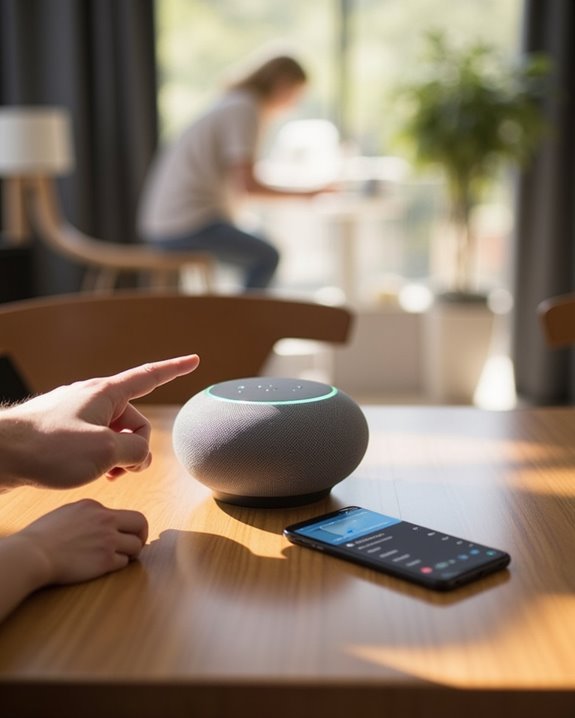
Following the initial configuration of Bluetooth connectivity via the Amazon Alexa app, the subsequent procedure involves pairing external devices with the Echo Pop to enable wireless audio streaming. Users must open the app on their phone, navigate to the Devices tab, and select Echo & Alexa, then choose their specific Amazon Echo Pop from the list to access device settings. Within these settings, tapping “Connect a device” initiates a scan for nearby smart devices compatible via Bluetooth. Once the desired device appears, selecting it completes pairing, allowing audio transmission through the Echo. For enhanced convenience, users can say Alexa, “pair” to reconnect previously paired devices, streamlining interactions across compatible Echo devices and Alexa devices, therefore maximizing the Echo Pop’s integration within a smart home audio ecosystem. Additionally, understanding that Echo Dot models support lossless HD audio formats can enhance your listening experience by providing clearer vocals and instrumental nuances during wireless streaming.
Recommended Products

Outdoor-Proof Speaker: Portable design with IPX7 waterproof protection to safeguard against splashes, waves, and water vapor. Get incredible sounds at home, on camping trips, or for outdoor adventures.
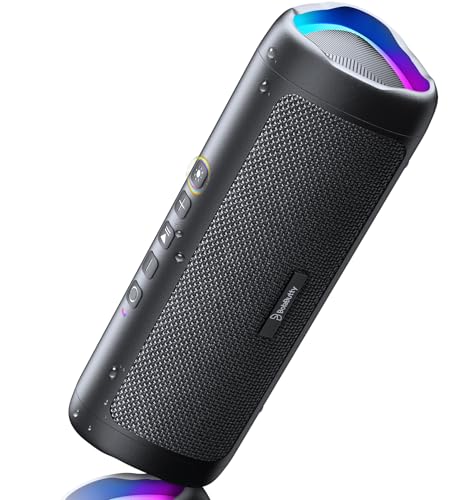
[Immersive Sound Experience & Dual Connectivity] Experience unparalleled sound quality with this wireless Bluetooth speaker's 2 drivers and advanced technology that delivers powerful, well-balanced sound with minimal distortion. Connect two speakers together to create an immersive stereo sound experience and fill any room with powerful sound. Perfect for gaming, music, and movie playback
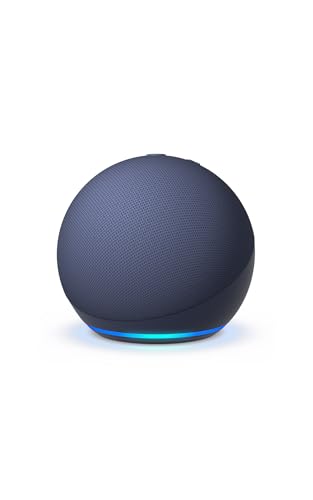
Your favorite music and content – Play music, audiobooks, and podcasts from Amazon Music, Apple Music, Spotify and others or via Bluetooth throughout your home.
Streaming Audio Through Echo Pop
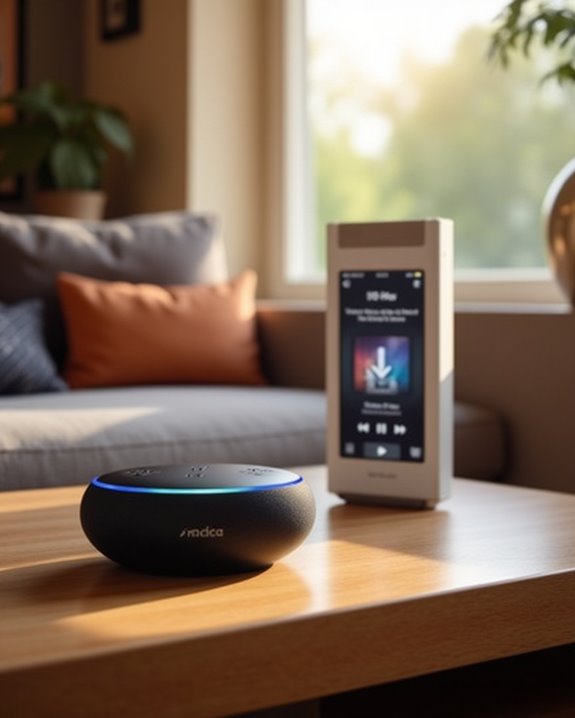
Audio streaming through the Echo Pop is facilitated by its integrated Bluetooth and dual-band Wi-Fi capabilities, which require initial pairing via the Amazon Alexa app to enable wireless playback from external devices. Users must activate Bluetooth by saying “Alexa, Bluetooth On,” after which devices can be paired within the Alexa interface, as direct Bluetooth connection is unsupported. Streaming occurs over dual-band Wi-Fi (2.4/5 GHz, 802.11a/b/g/n/ac), ensuring stable audio transmission. The Echo Pop’s sound quality, comparable to the Echo Dot, performs well in small spaces, making it suitable for listening to music or podcasts. Utilizing Alexa as an intermediary, the speaker allows users to play music seamlessly, enhancing sound output. Continuous operation requires connection to a power source, and the device integrates effectively with other Bluetooth speakers for expanded audio setups. The device also supports smart home integration features, allowing for voice control of compatible devices while streaming.
[MY ARTICLE SUBHEADING CONTENT
Recommended Products
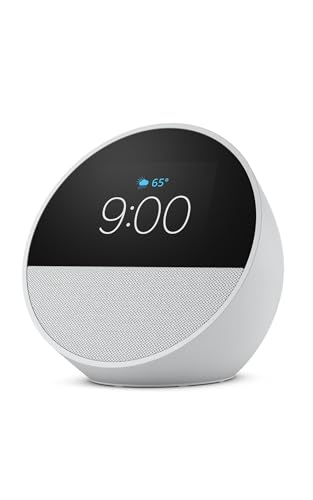
MEET ECHO SPOT - A sleek smart alarm clock with Alexa and big vibrant sound. Ready to help you wake up, wind down, and so much more.
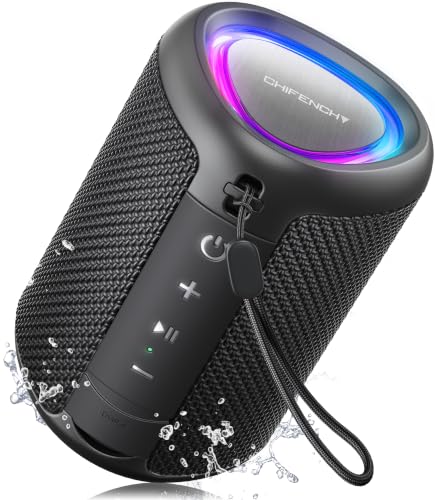
Engineered with premium craftsmanship, this portable speaker features a space-saving form measuring a mere 2.99 inches (7.6 cm) in width and length, and 4.25 inches (10.8 cm) in height. Ultra-lightweight at just 0.582 lbs (264g), it slips effortlessly into any bag. Driven by a robust 20W peak power, it delivers immersive audio with punchy bass and crisp highs, while its 15W continuous output ensures crystal-clear sound for indoor relaxation or outdoor adventures
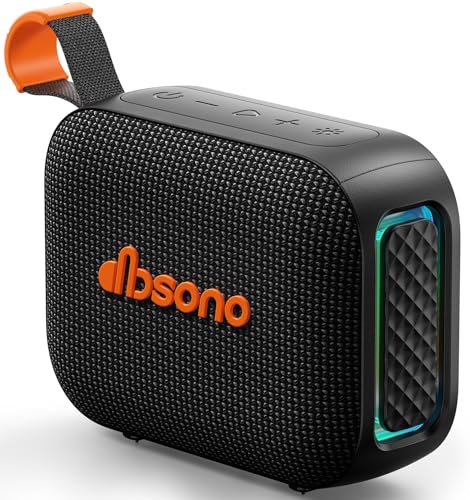
[Surprisingly Sound & TWS Pairing] Immerse yourself in audio excellence with this powerful speaker, delivering deep bass, full mids, and crisp highs. Whether you're listening to any music, every note is reproduced with stunning fidelity. You can connect two speakers to experience truly 360° stereo sound.
Using Aux Cable Connections With Echo Pop

The Echo Pop is engineered exclusively for wireless audio transmission, lacking any physical auxiliary input ports such as the 3.5mm aux-in commonly found on other Echo models like the standard Amazon Echo. This smart speaker with Alexa relies solely on Wi-Fi for audio input, making aux cable connections unsupported. Its compact design, measuring 99 x 84 x 91 mm, incorporates a front-firing speaker optimized for delivering full sound during music playing or when playing relaxing sounds. Users seeking to use the Echo Pop with Amazon Music or compatible smart home devices must ask Alexa to play content wirelessly, as direct aux cable use is impossible. Consequently, the Echo Pop’s connectivity is limited to wireless protocols, emphasizing seamless integration over traditional wired interfaces.
Recommended Products

Smart Induction Playback: No Bluetooth connection required - The induction speaker for iphone uses advanced automatic induction technology. When the phone is placed on the stand, the speaker will automatically sense and play music. When the phone is taken away, the music stops (Only iPhone/Android smartphone)
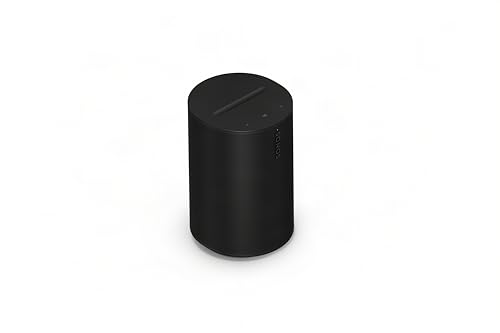
Dual angled tweeters and a powerful midwoofer deliver rich, balanced stereo sound with deep bass.
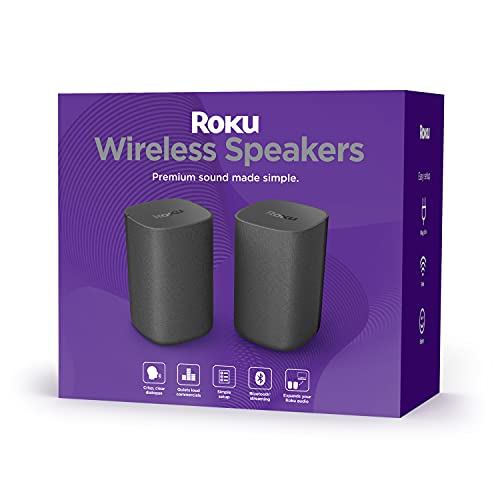
Add cinematic sound to your Roku TV or surround sound to your Roku audio system. Requires Roku TV, Roku Streambar, Roku Streambar Pro, or Roku Smart Soundbar—sold separately. Only works with Roku TV or Roku Audio. Roku Streambar SE is not compatible.
Tips for Optimizing Echo Pop Bluetooth Experience
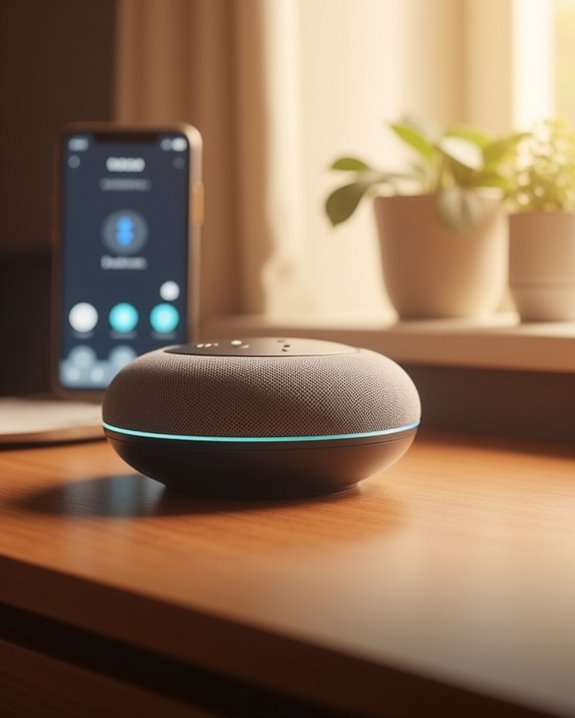
How can users enhance the Bluetooth functionality of the Echo Pop for efficient wireless streaming? First, activate Bluetooth via the voice command “Alexa, Bluetooth On” to make the device discoverable. Then, in the Alexa app, go to Settings > Devices > Echo & Alexa, select the Echo Pop, and tap “Connect a device” for streamlined pairing. Make sure the Echo Pop remains connected to a stable Wi-Fi network, preferably compatible eero systems, and stays plugged in for uninterrupted Bluetooth performance. Its compact dimensions (99 x 84 x 91 mm) and sleek design facilitate ideal placement away from interference sources. Users can leverage Alexa features to quickly reconnect devices by saying, “Alexa, pair with [device name].” Testing your music through a reliable music app ensures sound quality meets expectations while maximizing Alexa device integration.
Recommended Products
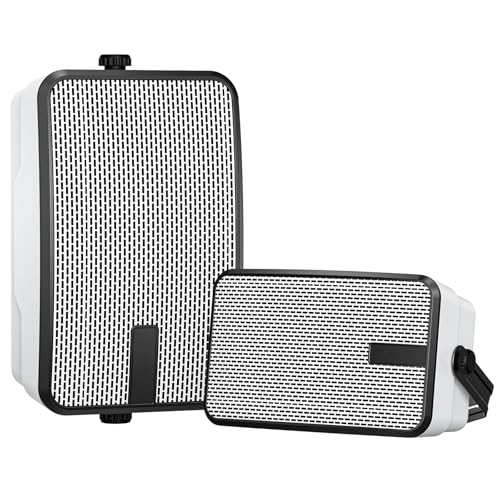
[ EASY TO USE ]:The wireless speaker easy to install, instantly connect to each other and up to 100 units can be linked. The brackets on the patio bluetooth speaker have grooves to adjust any possible Angle. (note: Each one needs to be connected to a power source. it is not suitable for TV, there will be some delay)

【Wall Mount for JBL Speaker】Specially designed metal speaker mount for JBl Flip series and JBL Charge Series speakers, mount JBl speaker anywhere on the wall, ceiling, under desk or any wooden surface. Enhance the sound, create an immersive audio experience and improve your listening experience.

【Compatibility】metal wall mount compatible with anker soundercore 2 protable bluetooth speaker on the wall, ceiling, under desk, hanging on the roof of the car, tie holder to a bicycle,golf cart,boat,pwc's and snowmobile enhance the sound to create an immersive audio and improve your listening experience.
Frequently Asked Questions
Can Echo Pop Be a Bluetooth Speaker?
In the Capability Debate, the Echo Pop’s Bluetooth Feasibility sparks a Sound Comparison revealing limited Speaker Viability. Despite Wireless Evaluation, its Echo Suitability favors home use, challenging Device Adequacy and Pop Potential in Speaker Analysis and Audio Assessment.
How to Use Alexa Echo Pop as a Bluetooth Speaker?
Using the Alexa app, the Echo Pop’s connection process begins with device sync and pairing tips. Audio setup includes volume adjustment and sound tuning, while range testing and signal optimization guarantee seamless playback. Battery management requires constant power.
Can I Use My Echo Like a Bluetooth Speaker?
Echo Sound offers clarity; Bluetooth Pairing enables connections; Audio Latency may affect streaming. Device Compatibility guarantees access; Music Streaming thrives with Voice Activation. Speaker Volume and Echo Integration enhance experience, while Bluetooth Stability and Sound Enhancement foster belonging in shared audio enjoyment.
What Can I Do With an Echo Pop?
The Echo Pop offers voice control for smart lights, weather updates, alarm settings, timer functions, news briefs, recipe suggestions, podcast streaming, game playing, and routine automation, fostering a connected, interactive experience for users seeking seamless daily assistance.